Duncanville ISD
  • My FFGA Benefits+ Mobile App
  • Home
  • Benefit Plans & Premiums
    • 2026-2027 Plan Year
    • New Hire Enrollment
    • Claim Forms
    • ID Cards
    • Provider Search
  • How To Enroll
  • Contacts
  • Check My FSA
  • Menu Menu

How to Enroll

During open enrollment, your FFGA Benefit Advisors will be on-site to assist you with making your benefit elections. Please visit the 2026-2027 Plan Year page for the most up-to-date benefit offerings.  Mid-Year changes may be made by calling the Benefits Office.

Enroll On-site

WHAT TO HAVE READY FOR YOUR ENROLLMENT MEETING:
  • Social Security number and birth dates for all dependents
  • Any status/life event or address changes
  • Questions about available benefits

Questions?

Technical Assistance:

If you experience technical difficulty or have trouble maneuvering through the enrollment process, please call the FFGA Enrollment Solutions Help Desk line at 855-523‐8422 from 7 a.m. to 5 p.m. CST or email [email protected].

Online Enrollment Assistance:

For questions about benefit plans or premiums, call 800-883-0007.

Enroll Online

Before clicking the FFenroll link at the bottom, please note the login and PIN information below and then review following steps.

LOGIN

Duncanville ISD now uses Single Sign-On (SSO) for easier and more secure access.

Step-by-Step Instructions:

  1. In your web browser, log into ClassLink at login.classlink.com/my/duncanville using your regular network credentials.
  2. Once logged in, click on the icon labeled “FFGA Benefits”.
  3. You will be logged into the FFGA Benefits site automatically where you can enroll in your benefits.
VIEW CURRENT BENEFITS

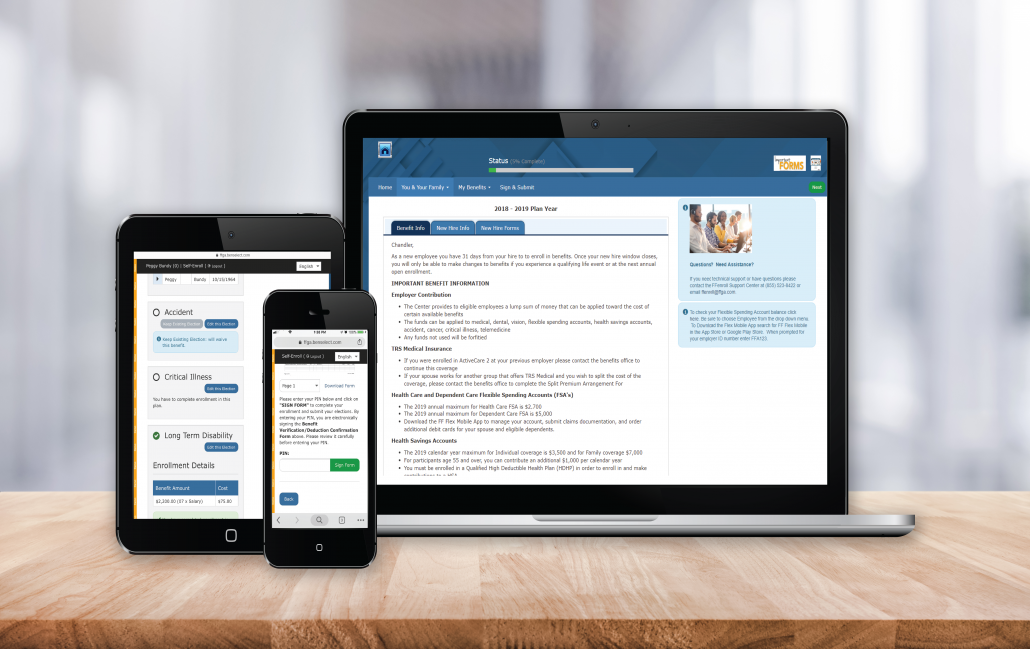
After logging in, you will arrive at the welcome screen. Your current benefits and premium deductions will be listed on this screen.

VIEW/ADD DEPENDENTS

Click next to view your dependents. It is very important to make sure the social security numbers and birth dates listed are correct. If you plan to add dependents, you will need to enter their social security numbers and birth dates.

BEGIN ELECTIONS

Click next again to begin making your benefit elections. Remember, no changes to your elections can be made during the plan year unless you have either a qualified mid-year change under Section 125 or a special enrollment event.

Enroll Now

Additional Resources & Notices

  • Claim Forms
  • Provider Search
  • ID Cards
  • Common Benefit Terms
  • Benefits After Employment
  • Family Planning

First Financial Group of America

PO Box 171566
Irving, TX 75017

Email Us:  Click here
Phone: 800-883-0007
Local Phone: 469-417-0505

FFGA Logo

Privacy Notice

FFGA Legal Notice

Scroll to top Scroll to top Scroll to top
wpe