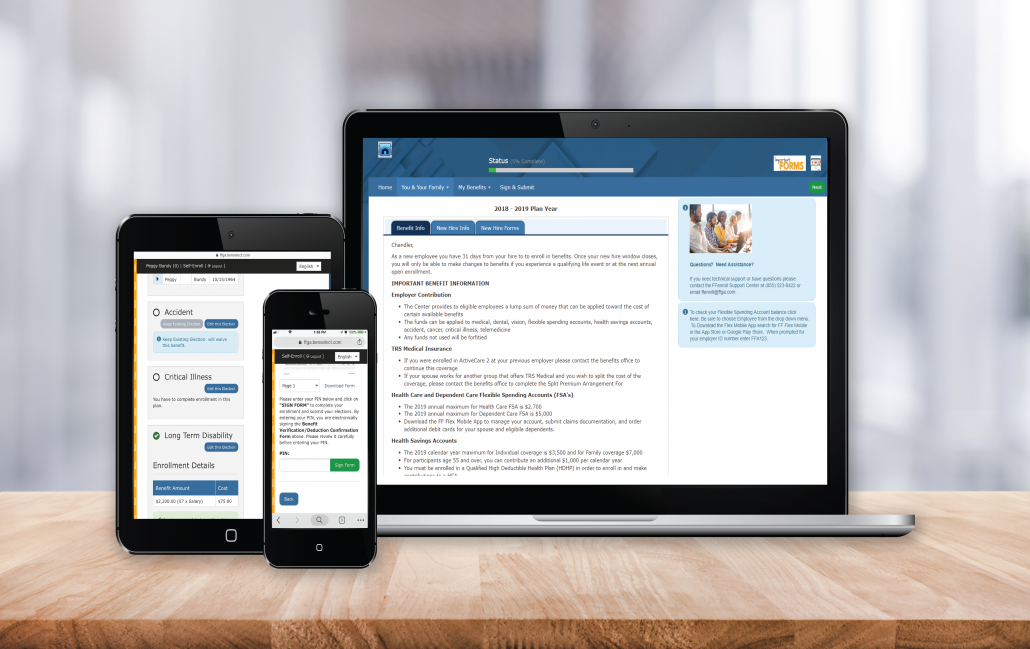
Before clicking the FFenroll link at the bottom, please note the login and PIN information below and then review following steps.
Everman ISD now uses Single Sign-On (SSO) for easier and more secure access.
Step-by-Step Instructions:
- In your web browser, log into your district network through Single Sign-On using your regular network credentials..
- Once logged in, click on the icon labeled “FFGA Benefits”.
- You will be logged into the FFGA Benefits site automatically where you can enroll in your benefits.
Username
- The Username is either your social security number or your Employee ID.
Password
- Instructions to access your initial password will be provided to you prior to open enrollment.
- Upon initial login, the password will be required to be changed.
- Remember your password as you will use this to sign your enrollment confirmation form and to login in the future.
If you have trouble logging in or forgotten your password, please use the Forgot Password? link to reset your password. If your account has been locked out due to too many failed attempts, please contact the FFGA Help Desk at 855-523-8422. For questions about benefit plans, premiums or to meet with an FFGA representative in person, call 800-883-0007.