Northampton County Public Schools
  • Home
  • Benefit Plans & Premiums
    • 2025-2026 Plan Year
    • 2026-2027 Plan Year
  • How To Enroll
  • Contacts
  • Check My FSA
  • Menu Menu

How to Enroll

Check back later for the next Open Enrollment dates.

New Hires can schedule an enrollment appointment within the first 30 days of employment using the link in the Phone Appointments box below.

If you have any issues scheduling your appointment, please email us at [email protected].

Enroll On-site

Manual sign-in sheets will be provided for in-person enrollment. Please have the following items ready for your enrollment meeting:

  • Photo ID
  • Social Security number and birth dates for all dependents
  • Any status/life event or address changes
  • Questions about available benefits

Phone Enrollments

To schedule a phone appointment for New Hire Enrollment, click here: ffganewhirebenefitsappts.timetap.com

Your FFGA Account Representative will call you at the date and time you choose.

Questions?

Online Enrollment:

If you experience technical difficulty or have trouble maneuvering through the online enrollment process, please call the FFGA Enrollment Solutions Help Desk line at (855) 523-8422 from 7 a.m. to 5 p.m. CST or email [email protected].

General Enrollment Assistance:

If you have any issues scheduling your appointment or questions about enrollment, contact your dedicated FFGA team at [email protected].

Enroll Online

Before clicking the FFenroll link at the bottom, please note the login information below and then review following steps.

LOGIN

Username
  • The Username is either your social security number or your Employee ID.
Password
  • Instructions to access your initial password will be provided to you prior to open enrollment.
  • Upon initial login, the password will be required to be changed.
  • Remember your password as you will use this to sign your enrollment confirmation form and to login in the future.
VIEW CURRENT BENEFITS

After logging in, you will arrive at the welcome screen. Your current benefits and premium deductions will be listed on this screen.

VIEW/ADD DEPENDENTS

Click next to view your dependents. It is very important to make sure the social security numbers and birth dates listed are correct. If you plan to add dependents, you will need to enter their social security numbers and birth dates.

BEGIN ELECTIONS

Click next again to begin making your benefit elections. Remember, no changes to your elections can be made during the plan year unless you have either a qualified mid-year change under Section 125 or a special enrollment event.

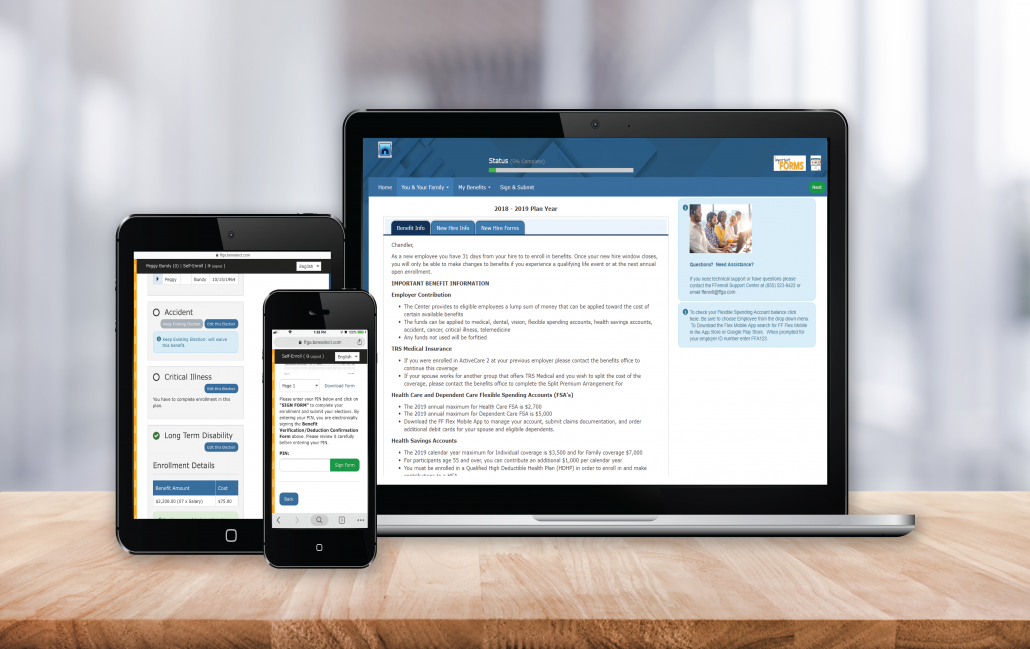
Enroll Now

How to Enroll Guide

Additional Resources & Notices

  • Common Benefit Terms

First Financial Group of America

1601 S. College Road, Suite 201, Wilmington, NC 28403

Email Us:  Click here
Phone: 800-924-3539
Local Phone: 910-792-1422

FFGA Logo

Privacy Notice

FFGA Legal Notice

Scroll to top Scroll to top Scroll to top
wpe