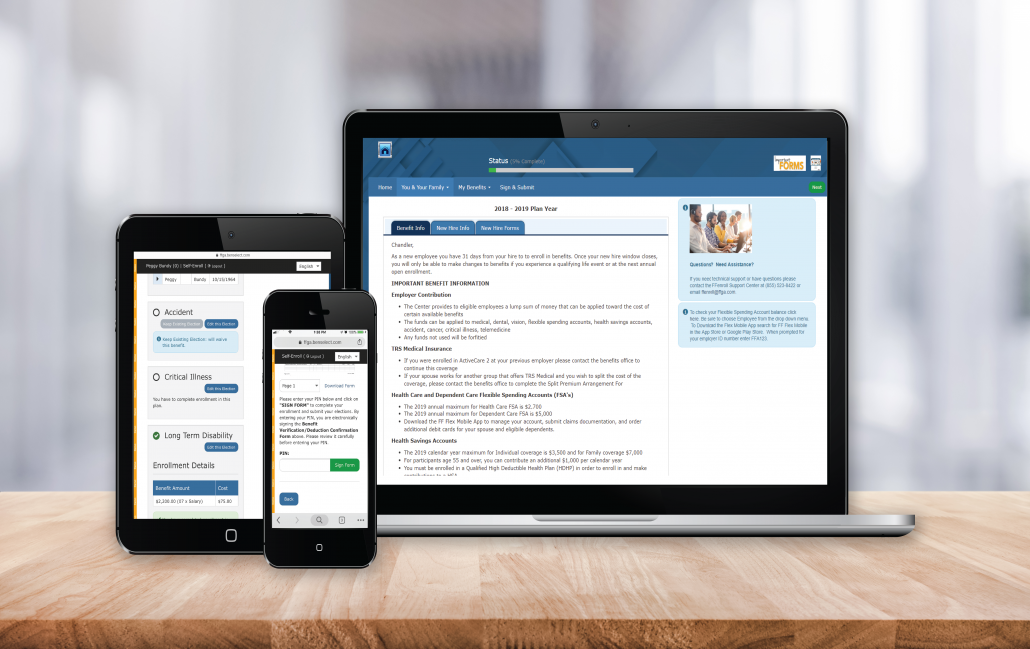
Before clicking the FFenroll link at the bottom, please note the login information below and then review following steps.
LOGIN
- Option 1: District SSO (recommended)
Log in through the District SSO and select the Benefits Enrollment app in the Employee Portal folder.
- Option 2: Direct login
- Username
- Use either your Conroe ISD EIN or your full SSN.
- Password
- New employees will receive their password upon hire.
- The first time you log in, you will be required to change your password.
- Use your new password for future log-ins (or use the “Forgot Password” link).
VIEW CURRENT BENEFITS
After logging in, you will arrive at the welcome screen. Your current benefits and premium deductions will be listed on this screen.
VIEW/ADD DEPENDENTS
Click next to view your dependents. It is very important to make sure the social security numbers and birth dates listed are correct. If you plan to add dependents, you will need to enter their social security numbers and birth dates.
BEGIN ELECTIONS
Click next again to begin making your benefit elections. Remember, no changes to your elections can be made during the plan year unless you have either a qualified mid-year change under Section 125 or a special enrollment event.