
How to Enroll
Two ways to enroll!
During open enrollment, your First Financial Account Manager will be on-site to assist you with making your benefit elections. Benefit elections also may be made through FFGA’s online enrollment system FFenroll.
What to have ready for your enrollment meeting
- Social Security number and birth dates for all dependents
- Any status/life event or address changes
- Questions about available benefits
Questions?
Technical Assistance: If you experience technical difficulty or have trouble maneuvering through the enrollment process, please call the FFGA Enrollment Solutions Help Desk at 855-523‐8422 from 7 a.m. to 5 p.m. Central or email [email protected].
Online Enrollment Assistance: For questions about benefit plans, premiums or to meet with an FFGA representative in person, call 800-672-9666.
Enroll On-site
Get one-on-one help with your benefits by meeting with your FFGA representative.
Click below to see site schedule.
Enroll Online
Online Enrollment Using your Pflugerville ISD Credentials
Online Enrollment Instructions
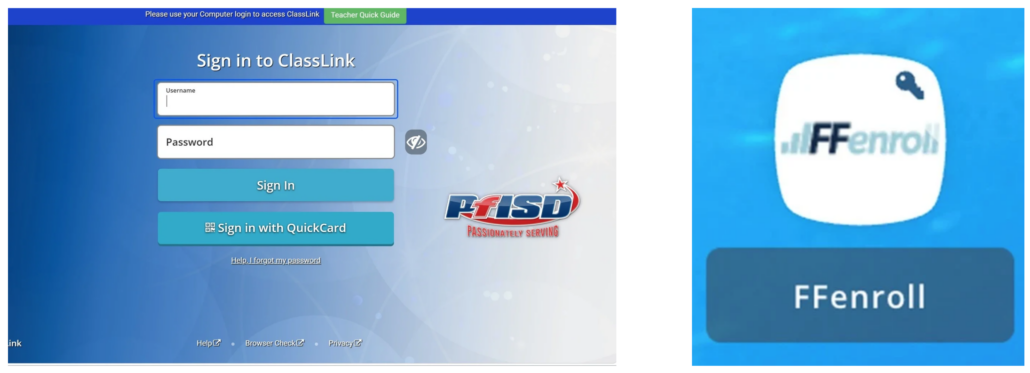
To enroll online without access to your Pflugerville ISD Class Link Account
Visit https://ffga.benselect.com/Enroll/login or click on the button below.
Username
- The Username is either your social security number or your Employee ID.
Password
- Instructions to access your initial password will be provided to you prior to open enrollment.
- Upon initial login, the password will be required to be changed.
- Remember your password as you will use this to sign your enrollment confirmation form and to login in the future.
VIEW CURRENT BENEFITS
After logging in, you will arrive at the welcome screen. Your current benefits and premium deductions will be listed on this screen.
VIEW/ADD DEPENDENTS
Click next to view your dependents. It is very important to make sure the social security numbers and birth dates listed are correct. If you plan to add dependents, you will need to enter their social security numbers and birth dates.
BEGIN ELECTIONS
Click next again to begin making your benefit elections. Remember, no changes to your elections can be made during the plan year unless you have either a qualified mid-year change under Section 125 or a special enrollment event.